What your team captures
Visible model, serial, manufacturer and supporting photo.
 crewTend
Keep nameplate photos with equipment identification.
In developmentAutomatic model and serial extraction from nameplates is not yet implemented. Manual equipment entry and attachments are available.
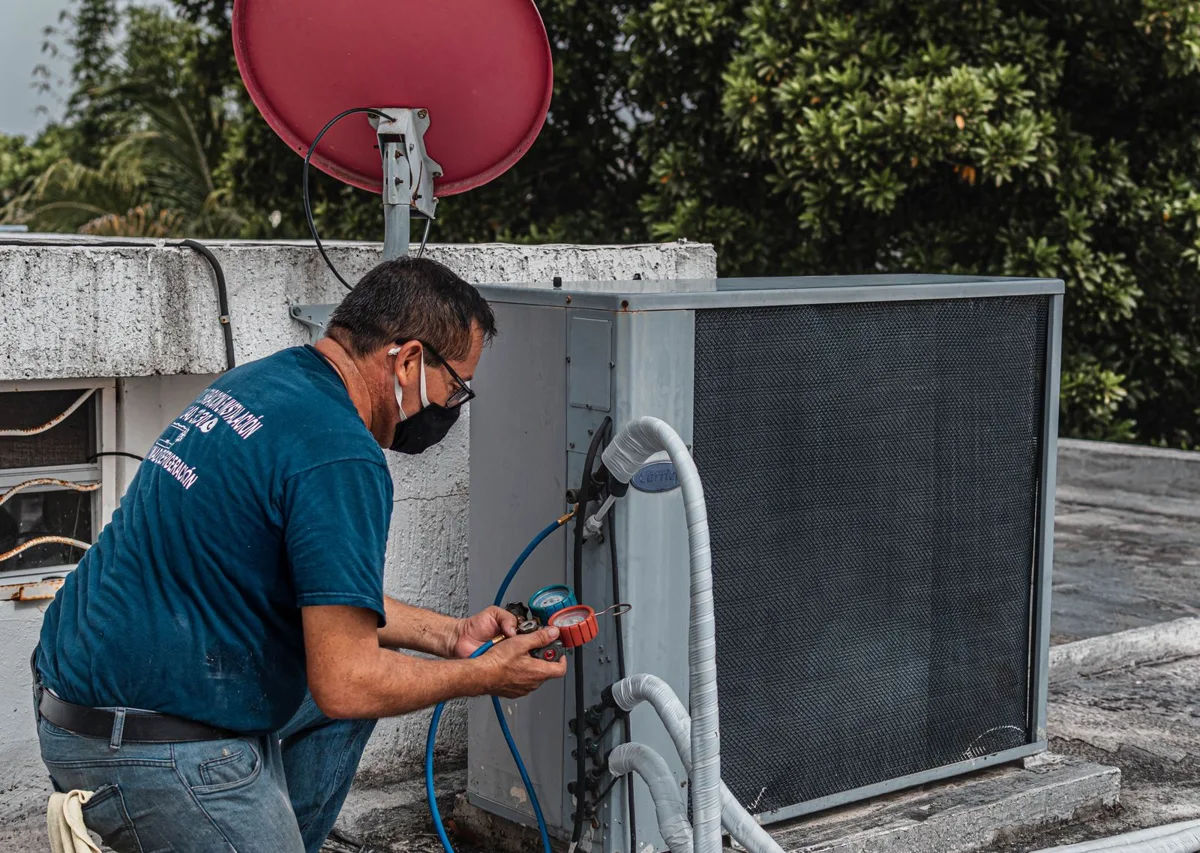
Click each step to see the information your team brings in, the review they make and the record they keep.
An equipment nameplate photo
Review the label and enter confirmed equipment details
A verified equipment record with its source photo
Visible model, serial, manufacturer and supporting photo.
Review the label and enter confirmed equipment details.
A verified equipment record with its source photo.
Start with an equipment nameplate photo. Review the label and enter confirmed equipment details. The result is a verified equipment record with its source photo.
Automatic model and serial extraction from nameplates is not yet implemented. Manual equipment entry and attachments are available.
Product readiness Ask about setupOffice and field workflows share related company records within the access granted to each user. Keep sensitive internal notes separate from customer-facing documents and explicitly shared attachments.
Security & access