CREWTEND MONEY
Keep your software.Connect your money. A financial workspace for service businesses. Bring together invoices, spending, purchasing, budgets and cash forecasts—without switching your CRM.
Start with Money → 30-day software trial. Payment processing requires merchant activation. Banking, cards and transfers are planned and subject to provider approval.
CrewTend Money Illustrative preview
Page details Your money, in one place. Available cash — Connect an approved provider
Expected incoming $20,945 Sample unpaid requests
Williams Residence HCP-19282 · Deposit request
$4,820 Ferguson Equipment expense · Receipt needed
$1,284.72 What bills are due before our next expected payment?
FROM FINISHED WORK TO PAID INVOICE
Make your next invoice feel this good. Start with the CrewTend default. Explore ten designs when you’re ready. Try every step below.
Choose from 10 designs
ILLUSTRATIVE WORKFLOW
1 Prepare2 Send3 Viewed4 Payment5 Reconcile
Start with completed work. Review the line items, service notes, and evidence before sending.
Sample invoice. No charge, message, or accounting entry is created in this preview.
crewTend HOME SERVICES
DRAFT
Invoice INV-1048 BILL TO Olivia Bennett 5412 Cedar Hollow Drive Plano, Texas
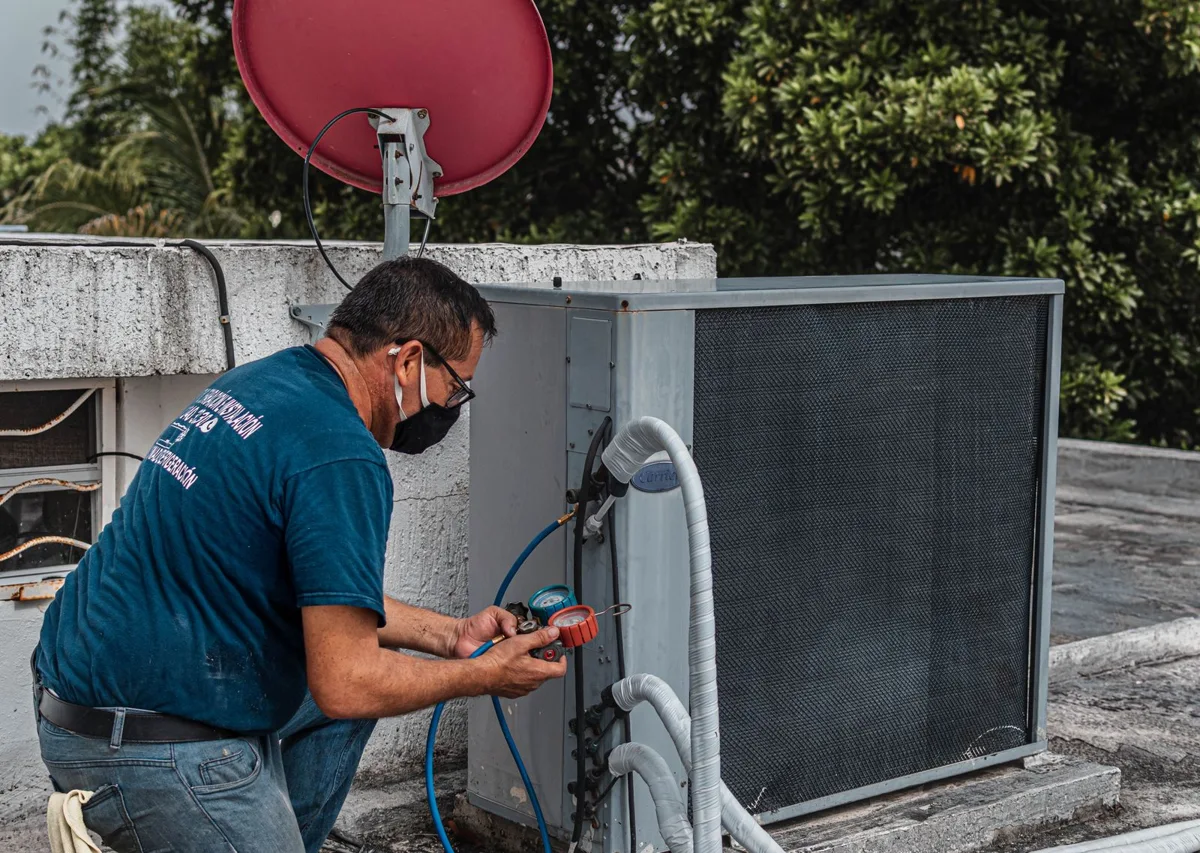
DUE DATE October 1 Residential HVAC service
Service completed. Details documented.
Description Amount HVAC equipment & materials $1,880.00 Installation and system checks $600.00
Total due $2,480.00
Service photo linked to this invoice Review & send preview Thank you for trusting our crew.Prepared with CrewTend · Sample invoice CREWTEND MONEY
The work and the money, finally together. Explore CrewTend-branded payment, spending, and job-cost workflows.
CREWTEND PAYMENTS · SAMPLE INV-1048 · $2,480.00
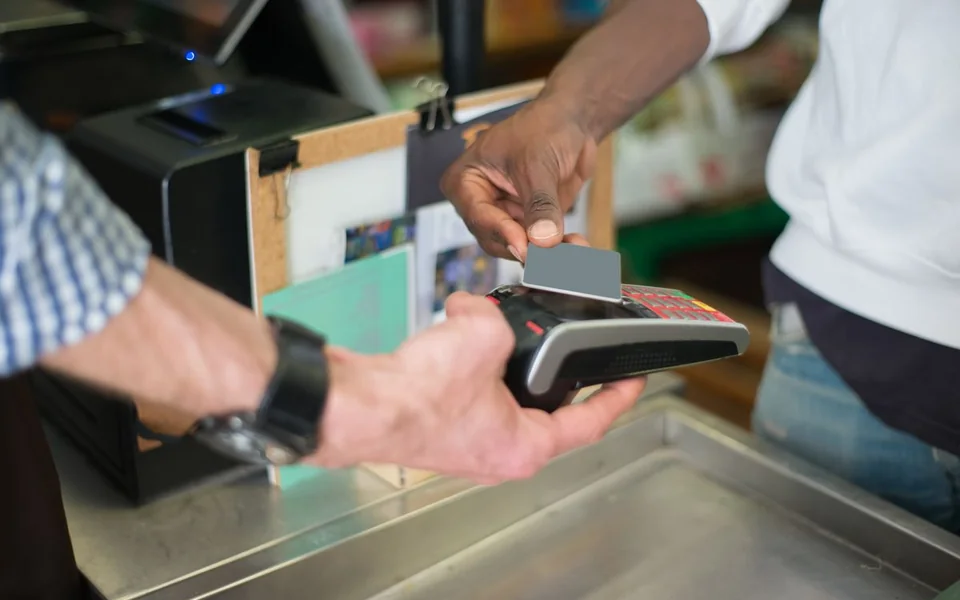
01 / Branded invoices & payments A clear invoice. An easy next step. Send a customer-facing invoice that explains the work and offers the payment methods connected to your company.
Invoice → customer payment → receipt
Explore branded invoices & payments Job details, line items, and photos Configured card and bank payment options Payment status linked to the invoice Payment methods, fees, and availability depend on the connected provider.
Open your workspace BILL REVIEW · SAMPLE HVAC Supply · $846.00 · Needs approval
02 / Bills & vendor payments Keep the bill, approval, and job together. Review supplier bills, track the responsible approver, and prepare payment through your configured services.
Bill → approval → payment record
Explore bills & vendor payments Capture the bill and supporting evidence Assign the job and expense category Track approval and payment status Live payouts require a supported, configured payment service.
Open your workspace SPEND REVIEW · SAMPLE Truck 4 · parts receipt matched
03 / Crew spending controls Give every expense a reason and a record. Bring company-card expenses, receipts, and job allocations into the same workflow.
Purchase → receipt → job cost
Explore crew spending controls Keep receipts with the transaction Review spending by crew and job Reconcile supported imported or connected activity Card programs and account services require eligible provider connections.
Open your workspace RECEIVABLES · SAMPLE 3 invoices need a follow-up
04 / Receivables & reminders Know who needs a follow-up. See outstanding balances and review the next reminder with the invoice and customer history at hand.
Balance due → reminder → recorded response
Explore receivables & reminders Review open invoices Use configured reminder workflows Keep customer communication connected Sample balances. Sending uses your configured channels.
Open your workspace RECONCILIATION · SAMPLE Payment matched to INV-1048
05 / Cash visibility & reconciliation See the money behind the work. Match recorded payments and expenses, then review the cash picture without losing the job detail.
Transaction → match → reconciled record
Explore cash visibility & reconciliation Review imported or connected transactions Resolve unmatched items Keep the supporting invoice or receipt Figures reflect saved records and connected data, not a bank guarantee.
Open your workspace JOB COST · SAMPLE Revenue $8,400 · recorded cost $6,100
06 / Job profitability Know what the job actually earned. Bring job income, labor, materials, and recorded changes together so your next decision has context.
Job income → costs → margin review
Explore job profitability Review recorded costs by job Include change-order and RFI impact records Compare the estimate with actual work Illustrative values. Avoided rework is shown only with a documented estimate.
Open your workspace Interactive examples · stock photographs and original CrewTend interface previews.
KNOW THE WHY BEHIND EVERY DOLLAR
Control the spend. Connect the purchase, the person and the work. Then follow recorded spending, committed costs and cash forecasts in one independent Money workspace.
Spend management Employee and project card requests, receipt evidence, configurable policies and separate-person approvals.
Explore → Purchasing & bills Purchase orders, partial receiving, three-way matching and payment-run preparation with a complete review trail.
Explore → Money Flow Follow proportionally sized flows by vendor, project, trade, location or category. Drill into the records behind a number.
Explore → Budgets & forecasts Keep recorded expenses, commitments and additional forecasts separate. Try collection-delay and spending scenarios.
Explore → Financial software workflows are available. Issued cards, outgoing payments, banking, automated external sync and connected AI require separate activation. Forecasts are estimates; incomplete records do not establish profit.
Stay with the software your business already knows.
ServiceTitan Housecall Pro Jobber Skimmer QuickBooks Your own system
Compatible alongside your workflow. Direct integrations are planned; availability varies. INDEPENDENTLY USEFUL. CONNECTED BY DESIGN.
A home for your financial work. 01 Get paid, without a job record Draft an invoice or payment request with an optional reference from your existing CRM.
Processor activation required Explore →
02 Make spending accountable Record expenses, capture receipts, flag duplicates and route requests for review.
Available software workflows Explore →
03 Know what comes next See unpaid invoices and bills together. Keep forecasts distinct from verified cash.
Based on your recorded due dates
04 Give every card a purpose Plan employee and project card limits, permitted merchants, expiration and approvals.
Card issuing planned Explore →
05 Prepare for clearer cash control Operating, reserve, tax, payroll and equipment accounts are on the roadmap.
Banking planned Explore →
06 Keep your books moving Use financial records, bills and receipts independently of CrewTend Operations.
Accounting sync planned Explore →
START WHERE YOUR BUSINESS NEEDS US
One platform. CREWTEND OPERATIONS
Run the work. Connect your office, customers and field crews in one workday.
CRM, scheduling Jobs, estimates and invoices Communications, AI and reporting Explore the full platform → CREWTEND MONEY
Keep your software. Control spending, purchasing and bills. Follow Money Flow and cash forecasts, with your existing CRM beside you.
No CRM switch required Spend, purchasing, budgets and Money Flow One organization as you add products Explore CrewTend Money → YOUR QUESTIONS
Start with one product. Do I have to replace my CRM? No. Money has its own customer and vendor directories, invoices, expense records, bills and reports. You can keep ServiceTitan, Housecall Pro, Jobber, Skimmer or any other software.
Do I need an integration to get started? No. Enter your records manually or import customers and vendors from CSV. Optional external IDs let you connect a financial record to an existing job or invoice. Direct CRM and accounting syncs are planned and are not represented as connected today.
Can I add CrewTend Operations later? Yes. Product access belongs to the same organization. Your shared customer records and Money history remain in place when you add CRM and field operations.
Are banking and cards available today? Bank accounts, card issuing, ACH, wires and transfers are awaiting provider partnerships, integration and applicable approvals. CrewTend does not currently claim to be a bank, offer insured accounts or provide live card issuing.
What about payment collection? Invoices and requests can be drafted now. Payable checkout requires an activated merchant-specific processor connection. Additional payment methods and delivery channels have their own setup requirements.